
What Can an AI Personal Assistant Actually Do For You in 2026
· LookMood AI
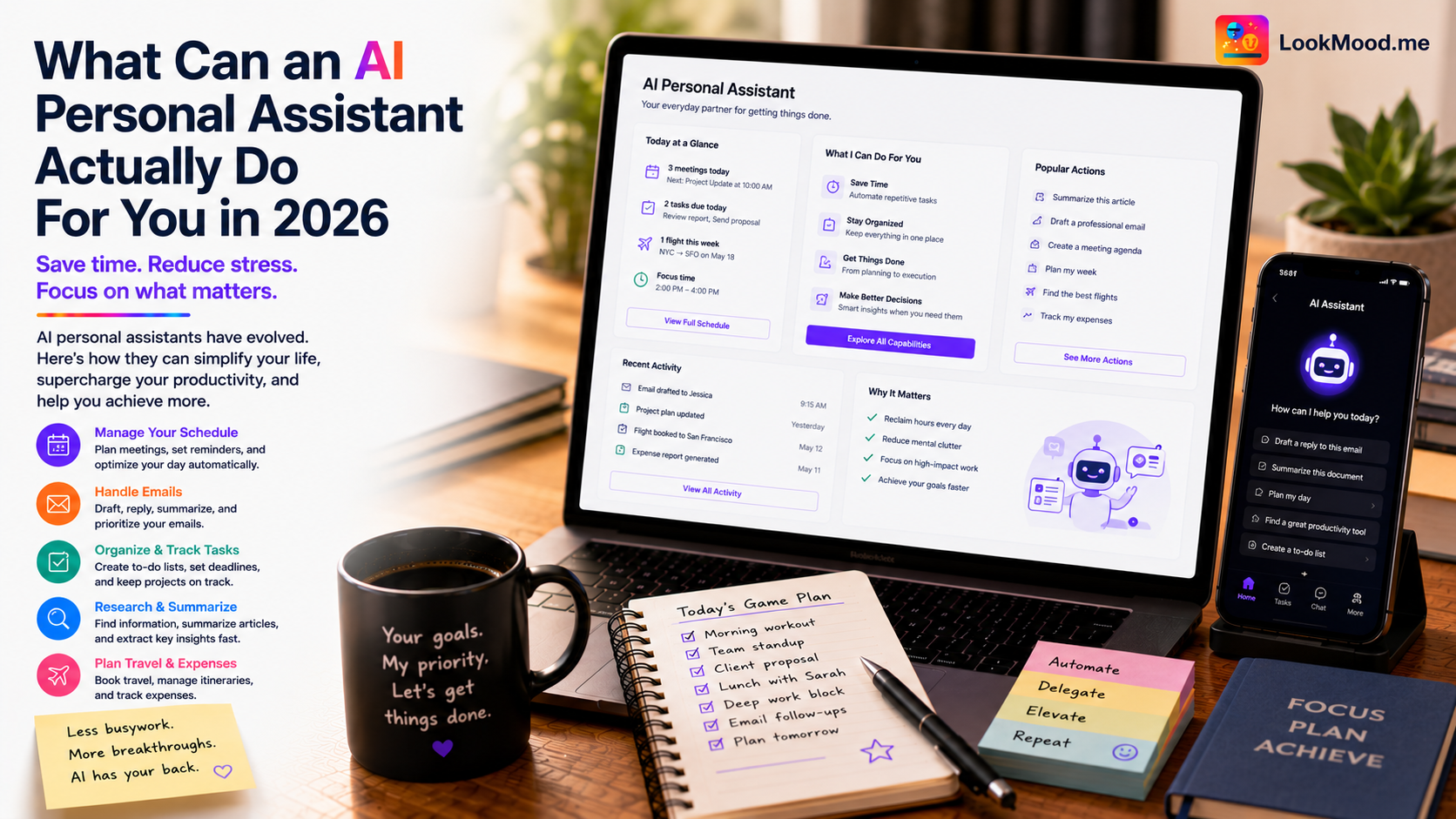
Most people use their AI like a search engine with better grammar. Type a question, get an answer, close the tab. That works. It's just not close to what an AI personal assistant is actually capable of when you treat it as a persistent collaborator rather than a one-off lookup.
In 2026, the real divide isn't between people who use AI and people who don't. It's between people who use it for isolated queries and people who use it to handle entire categories of work.
The tasks where AI personal assistants genuinely save time
Not all tasks are equal. AI is dramatically useful for some things and marginally useful for others. The high-value zone is tasks that are:
- Repetitive but requiring judgment (drafting communications, summarizing documents)
- Research-heavy but well-defined (comparing options, fact-gathering, background research)
- Mentally expensive but not creatively central to your work (scheduling logic, first drafts, formatting)
The low-value zone is anything where the AI's output requires as much review and correction as doing it yourself would have taken. If you spend 15 minutes fixing a 5-minute AI output, you've lost time. Learning which tasks fall into which category for your specific work is the real skill in using AI productively.
A worked example
Here's how one conversation with LookMood AI's personal assistant might handle a morning's work:
"I have a busy day. I need to: (1) draft a project update email to my team about a delay in our Q3 launch, (2) research three competitors who just launched new products — Notion AI, Mem AI, and Coda AI — and summarize what's different about each, (3) give me five agenda items for a 30-minute team meeting tomorrow focused on reprioritization. Go."
A capable personal assistant handles all three in one response. The email draft accounts for the tone required (team communication about bad news needs to be direct and forward-looking, not defensive). The competitor summaries pull what's publicly known and organized around a consistent framework (positioning, key feature, who it's for). The agenda items are specific and time-bounded, not generic filler.
What used to be two hours of context-switching between tasks is now ten minutes of reviewing and editing.
What still requires you
Judgment calls that depend on relationships, context you haven't explained, or decisions with real stakes. The AI doesn't know that the team is already demoralized, or that one of the competitors you're researching is actually a potential acquisition target, or that the meeting agenda needs to avoid a topic that caused conflict last week.
The more context you give, the more useful the AI becomes. That's the other direction of the skill: not just knowing what to delegate, but knowing how to brief well. A vague prompt gets a generic response. A specific prompt that explains the audience, the stakes, and the constraints gets something you can actually use.
The people getting the most out of AI personal assistants in 2026 aren't the ones who trust it most. They're the ones who know exactly what to hand over and what to keep.
For email specifically, see how to write professional emails with AI for tone and follow-up guidance. And for decisions that need more than execution, how to make better decisions with AI as a thinking partner covers the higher-stakes use case.