
How to Fix Your Writing With AI Without Losing Your Voice
· LookMood AI
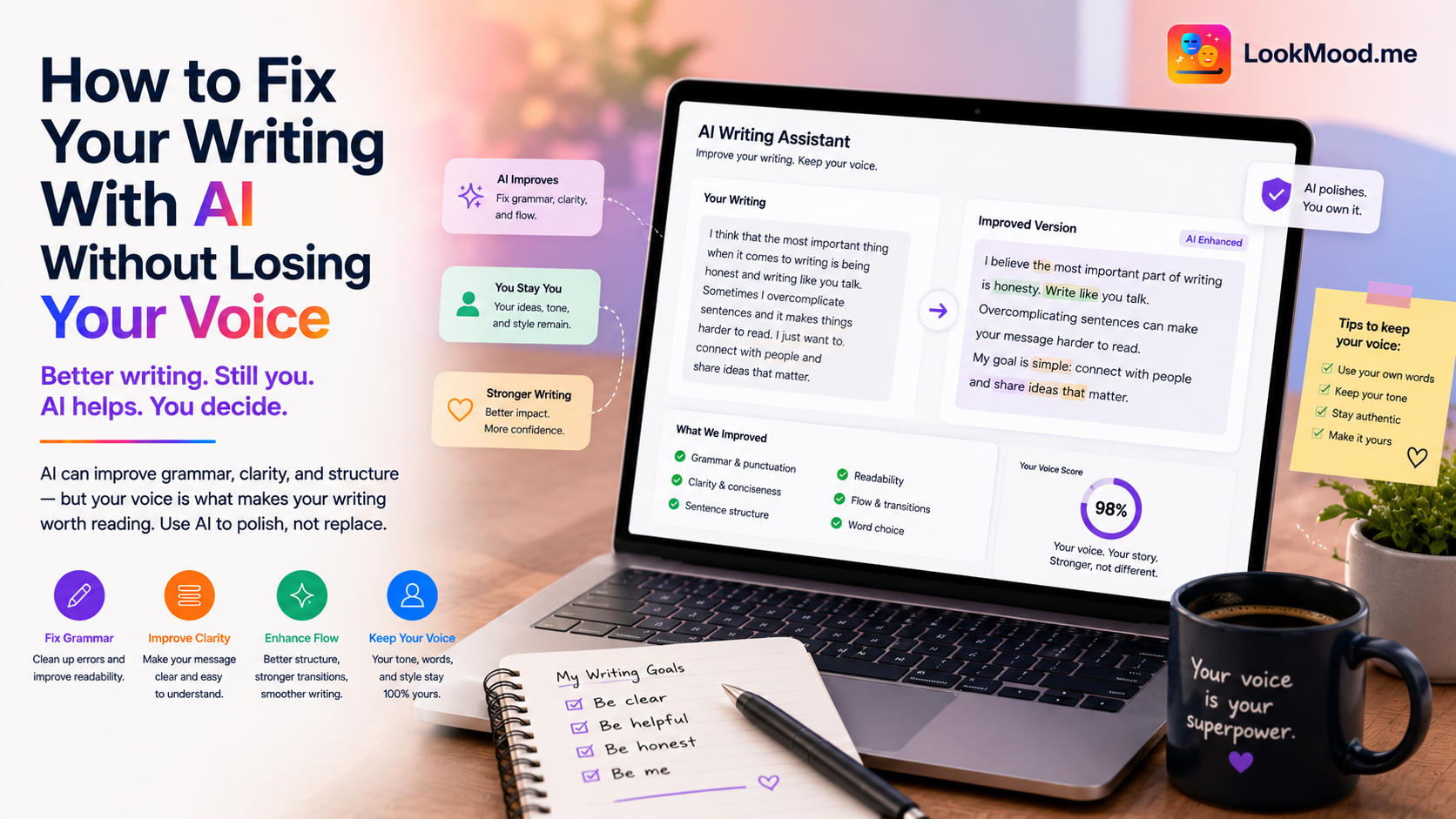
You've read the paragraph six times. You know something's wrong — the rhythm is off, the tone isn't quite right, the main point is buried somewhere in the third sentence — but you can't pin down what to fix. Reading your own writing is one of the harder cognitive tasks because your brain fills in what you meant to say instead of what you actually wrote.
AI is a useful second reader precisely because it doesn't know what you meant. It only sees what's there.
What AI editing actually catches
Good AI writing feedback goes well beyond spelling and grammar. The things it's reliably useful for:
- Buried lede. Your most important point is in paragraph four. AI will spot this and suggest moving it up.
- Passive voice overuse. "The decision was made" instead of "We decided." It softens the writing and obscures who did what.
- Sentence length monotony. When all your sentences are the same length, the writing feels flat. AI catches the rhythm problem and can suggest variation.
- Filler phrases. "In order to," "due to the fact that," "it is important to note that" — these add length and reduce punch. AI cuts them reliably.
- Unclear antecedents. "They agreed to this" — who is "they"? What is "this"? AI flags the ambiguities a tired reader will trip over.
A worked example
Here's a specific prompt for LookMood AI's writing fixer:
"Here's a paragraph from a report I'm writing for a senior leadership audience. Tell me what's weak about it, and give me a rewritten version that's tighter and clearer — but keep my terminology and don't make it sound like a different person wrote it: [paste paragraph]."
A good response does two things: it gives you a diagnosis first ("the main issue is that the paragraph tries to make three separate points without prioritizing any of them — the reader doesn't know what to take away") and then a rewritten version that's actually improved. The diagnosis is often more valuable than the rewrite, because you can apply that logic to the rest of the document yourself.
If you disagree with how the rewrite sounds — too formal, too casual, misses a nuance — say so: "The rewrite is too clinical. My original was trying to sound collaborative, not authoritative. Adjust." AI editing is a conversation, not a one-shot replacement.
Keeping your voice
The most common complaint about AI editing is that the output sounds generic — like it came from a content farm rather than a person. This happens when you give AI too much authority over the final text.
The fix is to treat AI output as a marked-up draft, not a finished product. Take the rewritten version, identify the improvements (shorter sentences, clearer structure, less filler), and then rewrite it again in your own rhythm. You're using the AI to find the problems, not to solve them for you.
The best AI-assisted writing sounds like you at your best — not like you were replaced. That distinction requires you to stay in the editing loop.
If you're writing emails specifically, the approach is slightly different — see how to write professional emails with AI for tone calibration and follow-up phrasing. And if writing is one piece of a larger productivity workflow, what an AI personal assistant can actually do covers what else you can offload.