
Why AI PDF Summaries Cite the Wrong Page (And How to Tell)
· LookMood AI
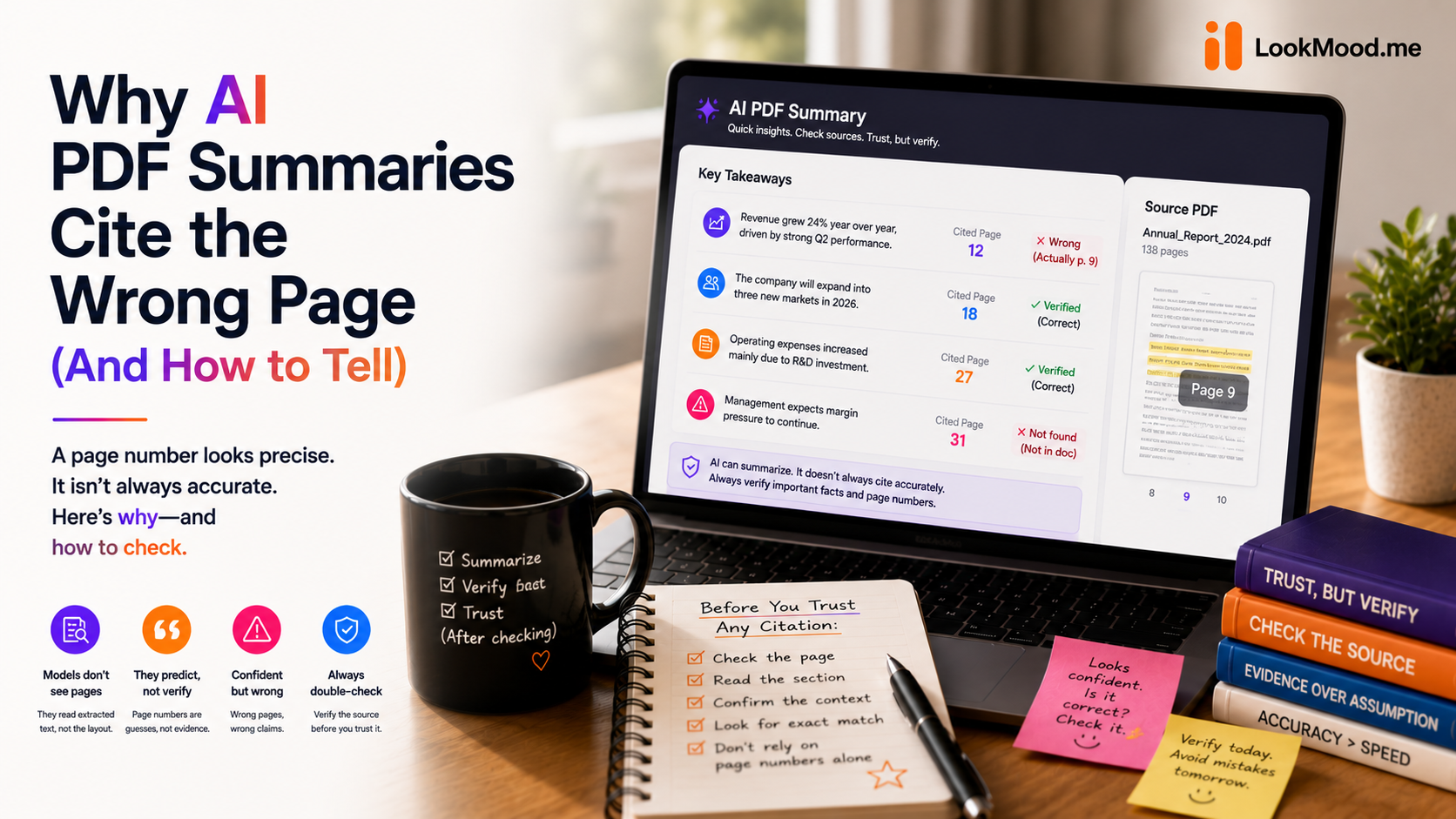
You skim a PDF summary, see "page 12" next to a key finding, and trust it enough to skip reading page 12 yourself. Then later, for an unrelated reason, you actually check — and the finding was on page 9, or nowhere in the document at all.
A page number attached to a summary looks like evidence. It's easy to forget that it's just another thing the model generated, with exactly the same chance of being wrong as anything else it wrote — unless the tool was specifically built to only cite what it can actually confirm.
Why this happens
Language models are built to produce a complete, well-formed answer. If a summarizer's output format includes a citation field, most models will fill it in — because leaving it blank looks like an incomplete answer, and the model is optimizing for completeness, not for honesty about what it actually knows.
This gets worse on documents where the structure makes page-tracking genuinely hard: a scanned PDF with no real text layer, a document with unusual formatting, or a long report where a single idea spans several pages. The model doesn't have a reliable way to know exactly where something came from — so it estimates, and an estimate presented as a page number reads as a fact.
A wrong citation is worse than no citation
This is the part that's easy to miss: a missing page reference is honest — it tells you the tool couldn't confirm where something came from, and you know to check yourself. A wrong page reference is actively misleading — it tells you exactly where to look, confidently, and sends you to the wrong place. You've lost time and gained false confidence, which is worse than not having the citation at all.
Most summarizers don't distinguish between these two outcomes. A tool that's built to actually distinguish them will leave a reference blank rather than guess — treating an empty field as more honest than a wrong one, not as a failure to fix.
What to check before you trust a summary
- Does every finding have a page number, or only some? If literally every point cites a specific page with no exceptions, that's a signal the tool is filling the field by default rather than confirming it — real documents almost always have at least one point that's genuinely hard to pin to a single page.
- Spot-check one citation against the actual document. You don't need to verify all of them — checking whether the first one is accurate tells you a lot about whether the rest are worth trusting.
- Notice whether the summary distinguishes findings from speculation. A trustworthy summary is clear about what the document actually says versus what the summarizer is inferring from it.
What this looks like done properly
LookMood AI's PDF Summarizer is built around this specific rule: a page or section reference only appears when the model can actually confirm it. If it can't, the field is left empty rather than filled with a plausible guess — the same discipline applies to who gets assigned an action item in a meeting summary. A blank field means "genuinely uncertain," not "the tool didn't bother" — which means when you do see a page number, it's actually worth trusting.
Try it on a document you already know well enough to spot-check — the PDF Summarizer is free, no signup needed.