
Why AI Meeting Notes Assign Tasks to the Wrong Person
· LookMood AI
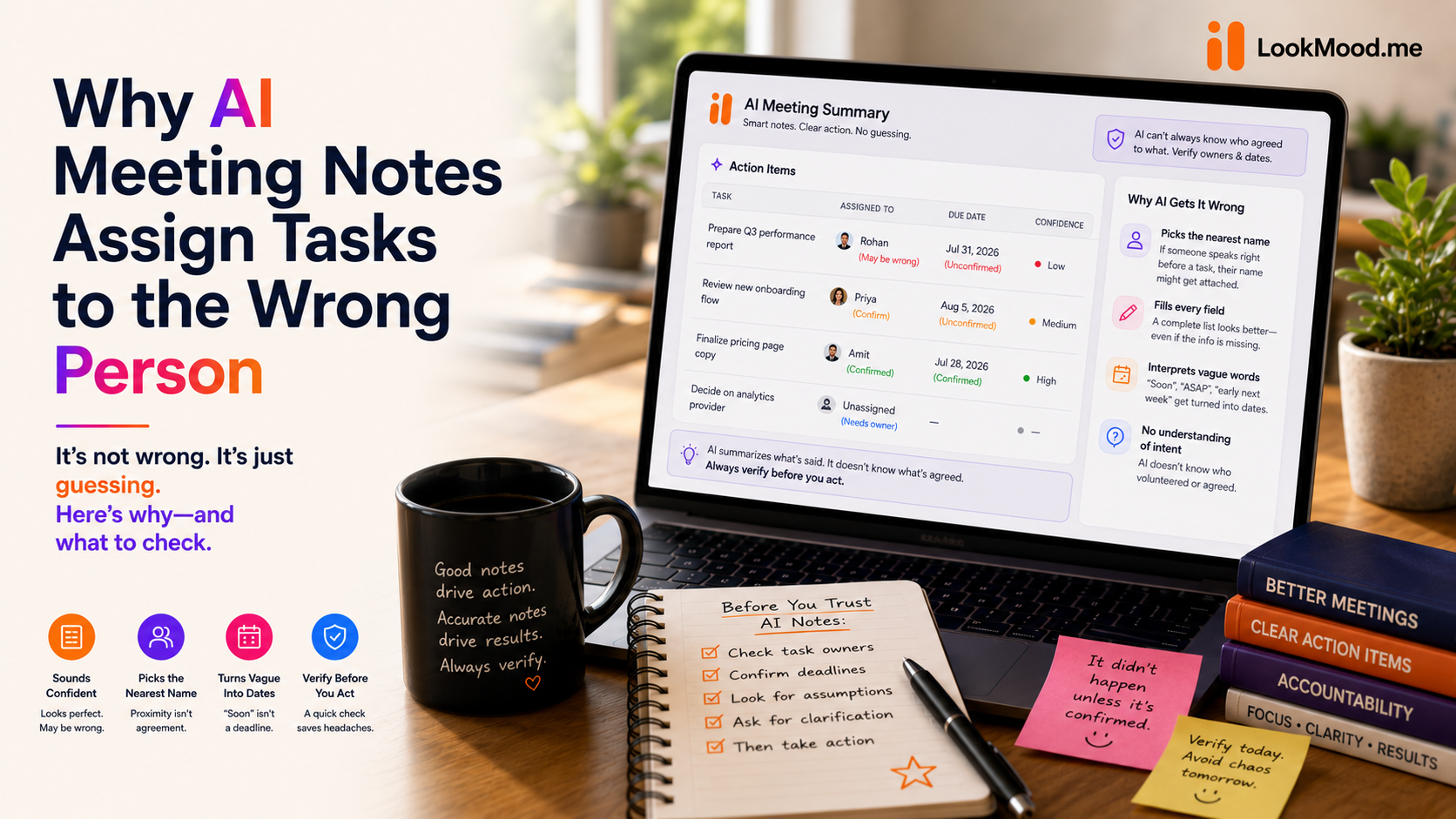
You get an AI-generated meeting summary. The action items list is clean: task, owner, deadline, one line each, ready to paste into a project tracker. It looks exactly like what a good assistant would produce after taking notes.
Then someone messages you confused, because they were never actually assigned that task — their name got attached to it because they were the last person who spoke before the conversation moved on, not because anyone agreed they'd own it.
Why this happens
Real meetings are messy. Someone raises a task. There's a pause. Someone else says "yeah, probably." The conversation moves on without anyone actually confirming who's doing it or by when. A human taking notes would write "needs an owner" or just leave a question mark. A model asked to produce a clean, structured action-item list is under pressure to fill every field — and "probably" plus proximity to the task in the transcript is often enough for it to just pick the nearest name.
The same thing happens with deadlines. "Let's try to get to this soon" isn't a date. A model filling a `dueDate` field will sometimes turn "soon" into something that looks like a real deadline, because a populated field looks more complete than an empty one.
Why a fabricated owner is worse than a missing one
A blank owner field tells you the meeting didn't actually settle who's responsible — which is genuinely useful information; it tells you to go clarify it before the task falls through the cracks. A wrong owner field tells someone they own a task they never agreed to, and tells everyone else that person is handling it. Nobody follows up, because the tracker says it's covered. That's a worse outcome than an honest gap.
What to check in any AI meeting summary
- Does every single action item have both an owner and a date? Real meetings almost never resolve every task that cleanly. If nothing is missing, the summarizer is probably filling gaps rather than reporting them.
- Do the decisions match what was actually agreed, not just discussed? A good summary separates "we talked about X" from "we decided X" — a lot of summarizers blur the two.
- Spot-check one action item against your own memory of the call. If the first one checks out, the rest are more likely to as well.
What this looks like done properly
LookMood AI's Meeting Summarizer treats owner and due date as facts to confirm, not fields to complete — if the transcript doesn't clearly state who's doing something or by when, that field stays blank instead of getting a plausible-sounding guess. Decisions are kept separate from things that were merely discussed, for the same reason.
If you want a sharper set of instructions for getting good output out of any AI tool, not just this one, the structure behind a prompt that actually works covers the same principle from the other direction — being specific about what you want stops a model from filling gaps with guesses.
Try it on a real transcript: the Meeting Summarizer is free, no signup needed.