
How to Plan a Trip With AI: Full Itinerary in Minutes
· LookMood AI
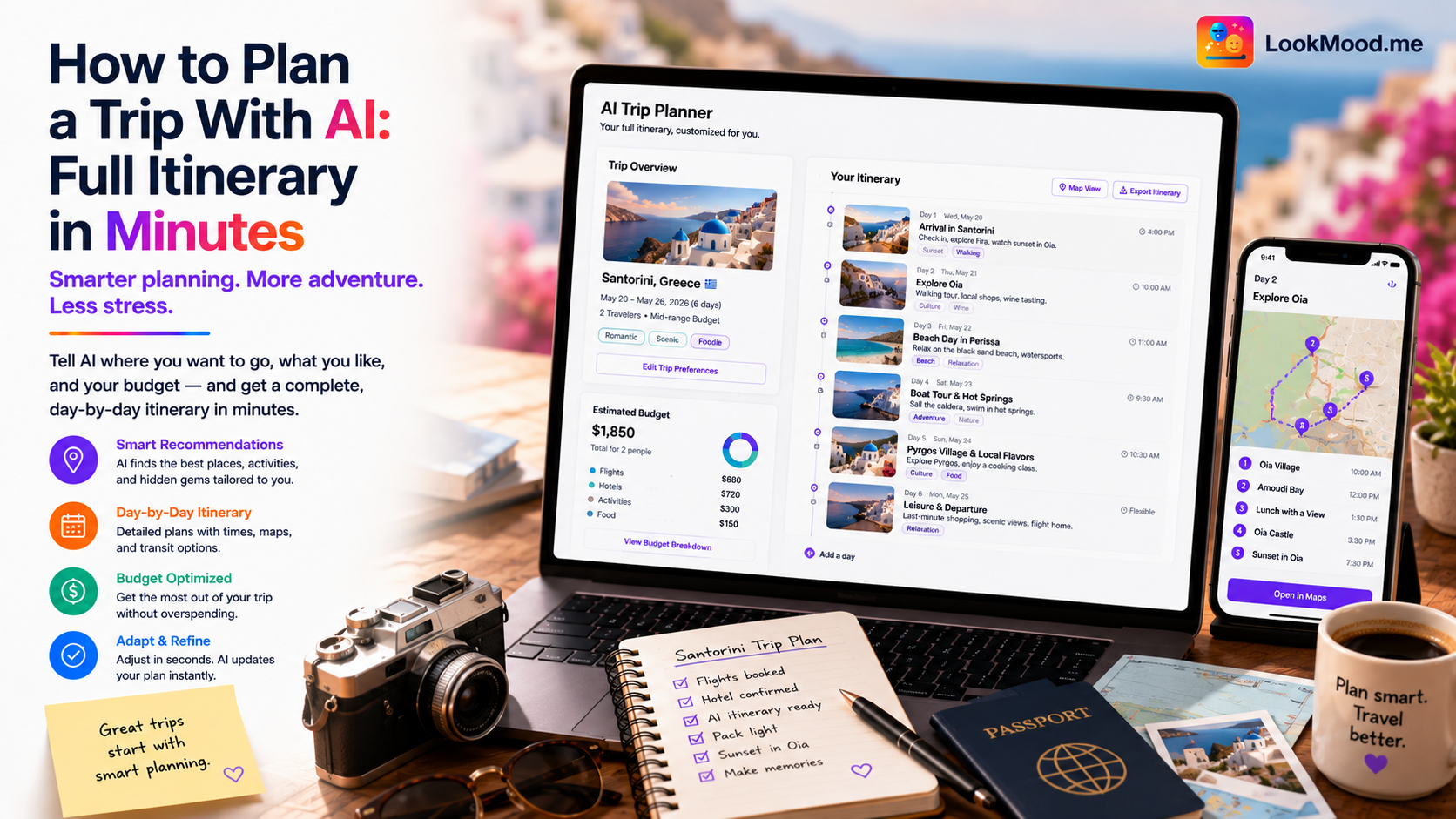
You have nine days off in October. You want to go somewhere. You open three browser tabs, scan flight prices for twenty minutes, get overwhelmed by options, and close the laptop.
That loop — the one where planning feels harder than the trip itself — is one of the most common reasons people end up not going anywhere at all. The options are too wide, the variables too many, and the gap between "I want to travel" and "I have a booking confirmation" is filled with decisions that nobody ever told you how to make efficiently.
AI closes that gap. Not by making the decisions for you, but by compressing the research phase from days to minutes.
What AI is actually useful for in trip planning
Trip planning has two phases. The first is figuring out what you want — destination, travel style, priorities, constraints. The second is translating that into a specific, bookable plan. AI is genuinely good at both, but in different ways.
For the first phase, AI helps you narrow down faster than any travel blog. Tell it your constraints (budget, travel time, climate preference, who you're going with) and ask it to suggest destinations you might not have considered. Most people end up in the same five places because those are the places they already know exist. AI can surface options outside that familiar radius.
For the second phase, AI builds itineraries. Day-by-day plans, including what to do in what order, how long each thing takes, where to eat near what you're already doing, and how to structure the days so you're not losing time to logistics. This used to take multiple Reddit threads, a Tripadvisor deep dive, and a guidebook. Now it takes one conversation.
A worked example
Here's a specific prompt for LookMood AI's trip planner:
"I have 9 days in late October. I'm based in London. Budget around £1,800 total including flights. I want a mix of city and nature. I prefer somewhere with good food and walkable streets over beaches or all-inclusive resorts. Where should I go, and build me a rough day-by-day plan if you recommend somewhere."
A good response gives you two or three specific destination recommendations with a brief case for each — why this one fits your constraints better than the obvious alternatives — then builds a day-by-day itinerary for whichever you pick. It groups activities by area so you're not crossing the city twice in the same day, suggests specific neighborhoods for food rather than restaurant names that may have closed, and flags the one or two things that actually need advance booking versus the things you can show up for.
From there you can get specific: "Day 3 is too packed. Which activity can I cut without missing something essential?" or "I'm traveling with an elderly parent — adjust the pace and flag anything with lots of stairs." The itinerary is a starting point, not a fixed schedule.
What AI still can't do for you
AI builds a plan based on general information. It doesn't know that the restaurant it mentioned closed last month, or that there's a local festival that week that will either make your trip or triple hotel prices. For current, real-time accuracy on bookings, prices, and availability, you still need to check directly.
It also can't know what you'll actually enjoy. An itinerary that looks good on paper might not match your energy once you're there. Give yourself one free day with no plan. The unscheduled moments are often where the best parts happen.
Think of the AI plan as a well-researched skeleton. You bring the flexibility.
Once you have a destination, the next decisions are flights and accommodation. See how to find cheap flights with AI for the fare research side, and how to find the best hotel for your budget using AI to avoid the 400-review rabbit hole.