
Best AI Debugging Tool: Why Most of Them Guess Instead of Investigating
· LookMood AI
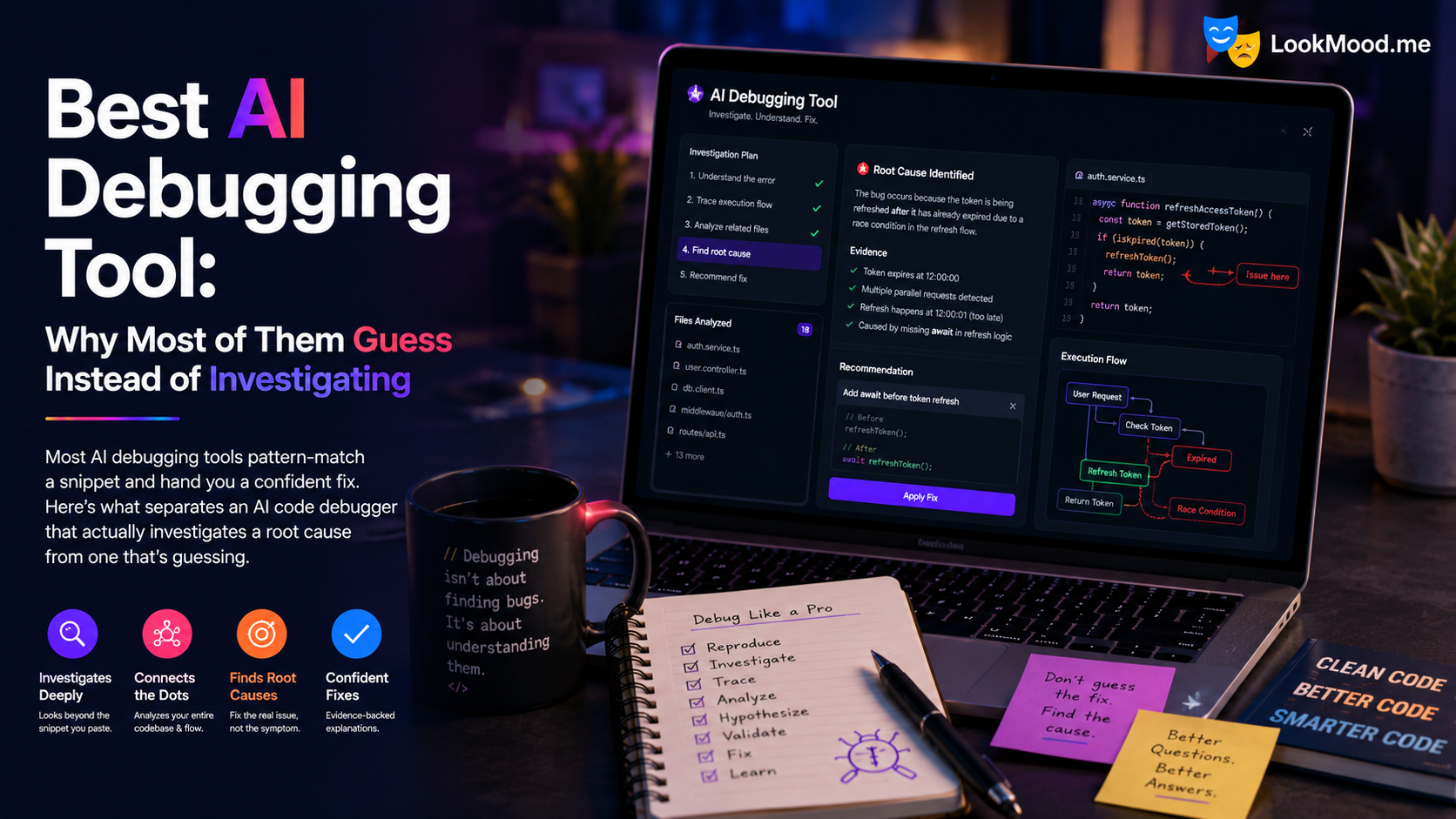
You paste a broken function into an AI debugging tool. It reads the twenty lines you gave it, spots something that looks wrong, and hands you a confident fix. You ship it. A week later the bug is back, because the actual cause was in a file the tool never saw.
If you've searched for the best AI debugging tool recently, you've probably found a dozen versions of the same thing: a text box, a paste field, a "debug my code" button. They're fast and they're free, and for a syntax error or an obvious null check they're genuinely fine. For anything that spans more than one file, they fall apart â and the reason they fall apart is worth understanding before you pick one.
Why most AI code debuggers guess
The complaint shows up constantly in developer forums: the AI wasted hours, and when pressed, it turned out it hadn't really engaged with the code at all â it had pattern-matched against something that looked similar. Researchers studying AI debugging have found much the same thing. Models are strong at recognizing shapes of bugs and much weaker at the slow work of isolating a specific one in a specific codebase.
There are three structural reasons for this, and none of them are about model quality:
- They only see the snippet. A paste box gets one file, or part of one file. Real bugs are usually an interaction â the state is set in one place, consumed in another, and the timing between them is where it breaks. A tool reasoning about twenty lines in isolation is working with a fraction of the evidence.
- They answer even when they shouldn't. Given insufficient information, most AI tools produce something anyway. The output looks like a diagnosis, reads with total confidence, and is built on assumptions the tool invented to fill the gaps. This is the expensive failure mode â not being wrong, but being wrong persuasively.
- They don't hold the thread. Paste a second file and many tools reason about that file, losing the original problem you described. The investigation resets every turn instead of accumulating.
Put those together and you get the pattern every developer recognizes: a fix that addresses a symptom, ships clean, and comes back.
What separates investigating from guessing
The best answer in one long forum thread about debugging AI-written code wasn't about AI at all. It was a developer with twenty years of experience saying the key to debugging is continuously narrowing things down. That's the whole discipline: form a hypothesis, get the evidence that would confirm or kill it, narrow, repeat.
So the useful question when evaluating any AI code debugger isn't "how smart is the model." It's whether the tool can actually run that loop. Four things to look for:
- Does it read your real code, or a description of it? A tool reasoning over your actual files and actual configuration is working from evidence. A tool reasoning from your summary of the problem is working from a story.
- Does it diagnose before it changes anything? Root cause first, patch second. A tool that jumps straight to a fix has skipped the step where it works out what's actually wrong.
- Does it ask for what it's missing? This is the sharpest test. A tool that says "I need to see how your API client handles a 401 before I can tell you why sessions are leaking" is investigating. A tool that produces a confident answer without that file is guessing and hoping.
- Does it admit when it can't tell? Any tool can produce output. A tool that will say "this isn't enough to reach a conclusion" is one whose confident answers mean something.
What an investigation actually looks like
LookMood AI's Code Reasoner is built around that loop rather than around a paste box. It works as a reasoning layer above whatever editor you already use, and the flow goes like this.
You describe the problem in plain language â no need to know the cause, and no need to identify the relevant files yourself:
"Users occasionally see another user's information after logging in on a shared device. It's intermittent and I can't reproduce it reliably."
Instead of guessing at a fix, it generates a discovery prompt scoped to that specific problem, which you run in your own editor. Your editor reads your actual files â your real routes, your real auth handling, your real cache configuration â and returns a structured diagnostic report with file paths, line numbers, and root causes.
You paste that report back, and a council of frontier models reasons over it from different angles: whether the findings actually address the problem you described, whether the constraints hold, what edge cases and regressions the report missed. Where they disagree, a synthesis layer weighs the conflict rather than averaging it away.
And when the evidence isn't sufficient, it says so and names what it needs:
"Send me your API client â I need to see whether the bearer token is read fresh on each request or pulled from storage, because that determines whether the leak is a caching problem or a session-boundary problem."
That's the part that matters. It's a specific file and a specific reason, tied to a specific hypothesis it's trying to confirm or eliminate. You send it, the investigation continues with that evidence added to everything gathered so far, and the original problem stays the thing being solved. You can also ask it directly why it wants a file, or what it's found so far, and get an answer grounded in the actual investigation rather than a generic restatement.
When it has enough, you get a fix prompt referencing exact files and exact lines, ready to run in your editor.
What this kind of tool is and isn't
It isn't the fastest path to fixing a typo. If you have a syntax error or a single obviously broken function, a snippet-in-a-box AI bug detector will be quicker, and that's a reasonable trade. The investigation loop earns its keep on the bugs that have already survived a few casual attempts â intermittent behavior, state that leaks across boundaries, race conditions, anything where the cause and the symptom live in different files.
It also isn't autonomous. You are the one moving text between the reasoning layer and your editor, which is real friction and an honest limitation of the current design. The tradeoff is that it works with any editor you already use without an integration, a plugin, or an API key. Direct repository access is the next thing on the roadmap.
And it doesn't replace your own judgment. What it replaces is the specific failure of being handed a confident answer with nothing underneath it â which, if you've been debugging with AI for a while, is probably the thing that's actually cost you the most time.
Picking one
If you're evaluating the best AI debugging tool for your own work, the honest advice is to test it against a bug you've already solved. You know the real root cause. Give the tool the same starting information you had, and see whether it arrives somewhere near the truth â or whether it produces something plausible that would have sent you down a week-long detour.
That test tells you more than any feature list, and it's the one we'd rather you ran. You can try Code Reasoner free and do exactly that.
For related workflows, see the AI coding assistant for writing and refactoring rather than diagnosing. And if the idea of a tool that runs its own investigation loop is new to you, what agentic AI is and how it works covers the underlying shift â from systems that answer a prompt to systems that pursue a goal across multiple steps.